Import from BGG
New Feature
Import game details directly from BoardGameGeek, no more retyping the basics. Enter a BGG game ID or paste a BGG URL and we'll handle the rest.
What gets imported:
- Title, description, player count, play time, age, and complexity
- Mechanisms, designers, and artists
- BGG link and cover image
How to use it:
New game
- Go to Games > Add a New Game
- Set development status (and a working title if you want, leave name blank to use BGG's title)
- Under "OR, use Import from BGG (Optional)", enter a numeric ID or full BGG URL
- Click Create Game and you'll land on Edit game with the form pre-filled
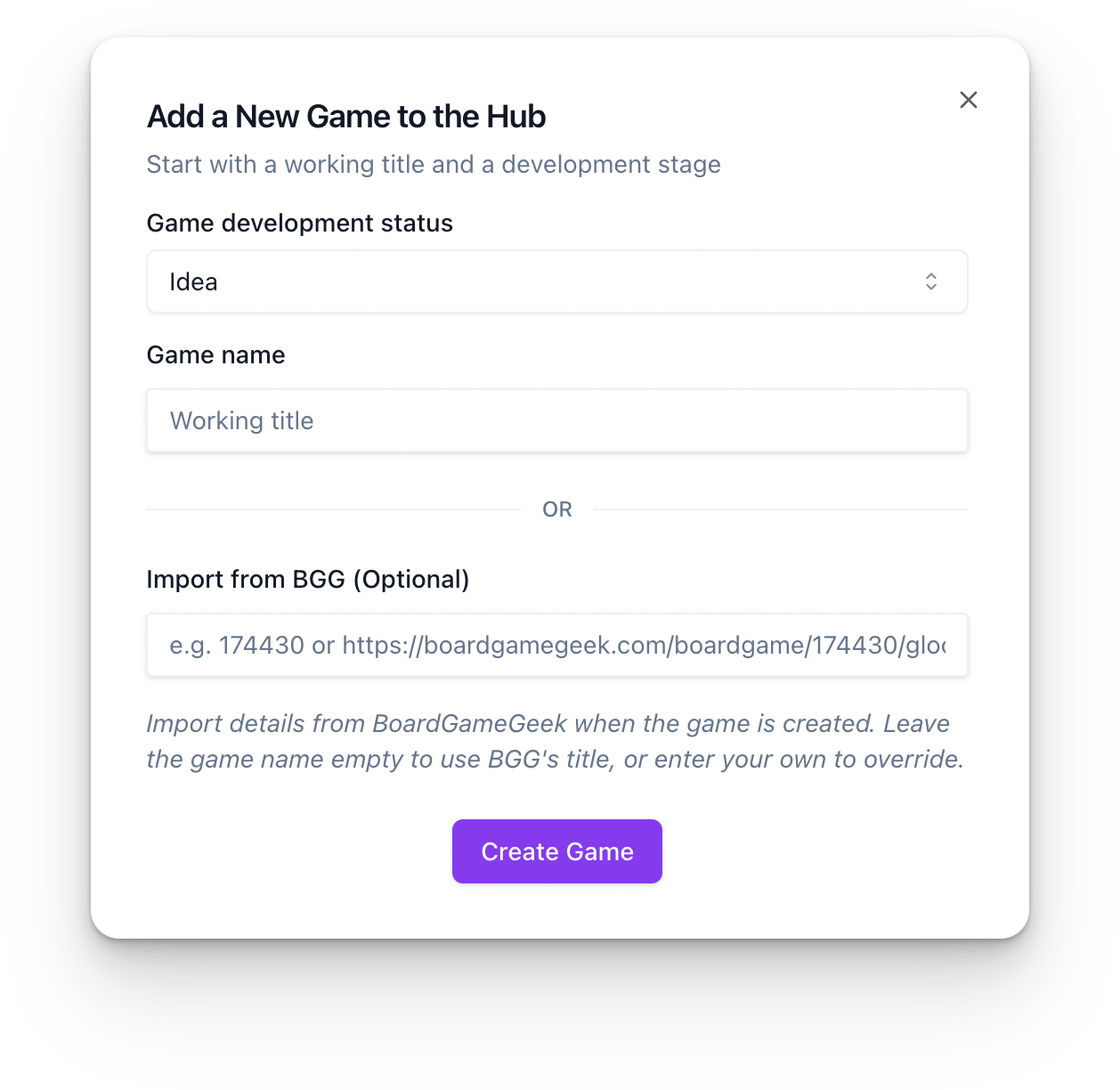
Existing game
- Open the game > Edit game
- Click Import from BGG in the top bar (next to Save)
- Enter the BGG ID or URL > Import
- Review the form, then Save game